
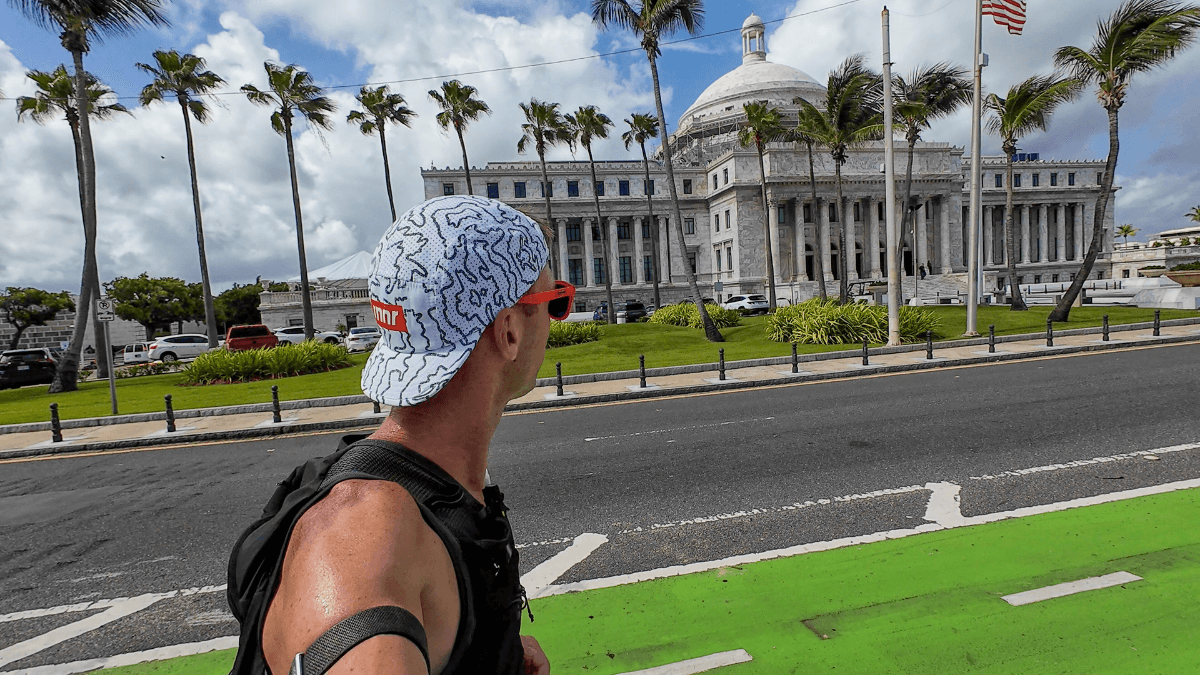
We’ve all been there: You land in a new city, itching to move after a long flight, but you’re staring at a map wondering, Where is it safe to run?.
Up until 2021, I’d let that uncertainty ruin my mileage (and my trip). But, over time, I started trying out different things to help me get out the door fast. Now, I use a 15-minute system to find the keep you running while traveling without the stress — wherever I travel.
So I’m here to share it with you and save you the headaches I had.
- Minutes 1-5: The Scout. Open Strava Heatmaps; identify nearest “glow”.
- Minutes 6-10: The Build. Use Route Builder (or Google Maps) to trace a loop from your hotel to that glow.
- Minutes 11-15: The Check. Quick Street View “vibe check” and sync to your watch.
How to Find Running Routes in Any City
1. Find running routes by scouting the “heat” with Strava
When I arrive somewhere new (or better yet, before I even leave home), the first tool I turn to is Strava.
Truthfully, this is the only app you need to find running routes in 15 minutes. So, if you’re only going to read one part of this post, it should be this section.
Specifically, Strava’s global heatmap feature is a travel runner’s best friend. Why? It shows you exactly where people run most often in the area – glowing lines on a map highlight the popular routes taken by local runners. This is one of the first steps for me when I’m planning a runcation.
A few tips to help you navigate it:
- Look for the glow: Bright, thick lines indicate high foot traffic. Usually parks, waterfronts, or safe neighborhood loops.
- Filter your surface: Use the filters to distinguish between road running and trail/cycling paths (premium feature).
- Build & sync: Use the route builder to trace a loop starting and ending at your hotel/stay, then sync it to your watch.
I almost always create my own route based on what looks interesting on the map (scenic viewpoints, parks, waterfronts), rather than using auto-generated suggestions.
With Strava’s route builder (a premium feature), I can trace a loop that starts and ends at my hotel or Airbnb and hits those highlighted spots. This is how I planned out my Old San Juan YouTube video. I knew I wanted to get all the landmarks in one loop, so I turned to Strava to map it out.

It’s like being your own tour guide – I get to decide the distance and difficulty, but Strava supplies the local knowledge.
If you don’t have Strava premium, use the free version of the Strava heatmap to see where the heavy blue lines are and then map it in your favorite route planner.
Stop guessing. Show up to your race without missing a step.
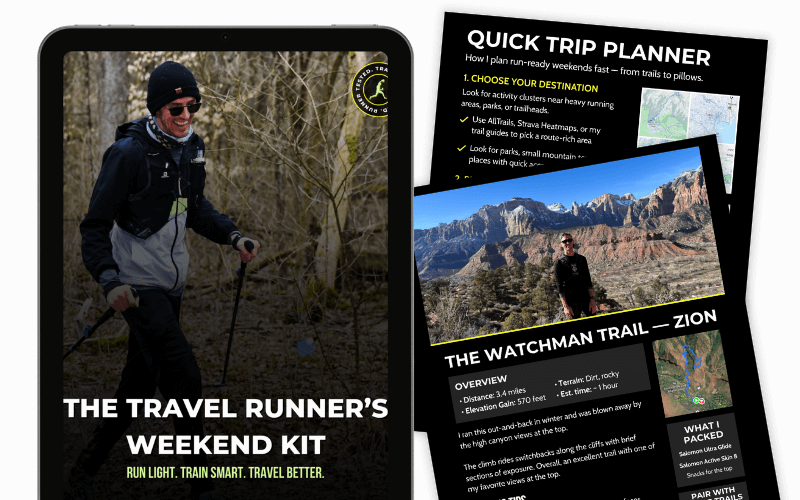
The free runcation kit gives you a proven planning framework, a runner’s packing checklist, and a quick-decision guide for finding safe routes anywhere — so trip planning stops feeling like a threat to your training.
2. Use AllTrails to avoid ‘fake trails’ and dead ends
While Strava is great for where people run, AllTrails is my go-to for digging up more official routes.

AllTrails is an app/website with a huge library of verified and reviewed hiking and running trails all over the world, complete with maps, elevation profiles, difficulty ratings, and user reviews. It shows me established trails and popular routes that I might not find just by driving around or scanning Google Maps.
For example, when I visited Death Valley and Olympic National Park, I discovered two amazing trail runs (the Gower Gulch Loop and the Sol Duc Falls Trail) through AllTrails that became the highlight of each park.

I usually bookmark a few interesting trails and download the maps offline (a feature of AllTrails Pro) in case I lose cell service out there. I opt for the free version of AllTrails since most of my planning is done within Strava.
3. Ask locals (running clubs, social media, & more)
Even with all the apps, sometimes the best tips come from people on the ground.
The locals will know the different nuances of each area, and you’re much more likely to find routes you didn’t even know existed. My go tos are:
- Running Clubs: Search “[City] Running Club” on Strava or Facebook. Many have public group runs you can join for an instant “guided tour”.
- The “Race Hack”: Look up the course map for a local marathon or 10K. Race directors spend months picking the safest, most scenic routes—you can cherry-pick those sections for your morning 5-miler.
- Guided Sightrunning: If you’re in a historic city like Rome, look for sightrunning tours via Airbnb Experiences. It’s a workout and a history lesson in one.
4. Safety check + save the route (GPX/offline)
Once you have an idea of a route – whether from Strava, AllTrails, or local advice – it pays to do a tiny bit of planning so you know what to expect.
I always try to plan a loop or an out-and-back that starts and ends at my accommodation (or some easy landmark like a cafe). There’s nothing worse than finishing a hard run only to realize you’re stranded 5 miles away from where you meant to be with no transportation. So having my route and a way back on my watch/in my mind is absolutely mandatory.
If I’m in a city, I’ll try and use Strava’s route builder to create a nice sightrun to catch the major landmarks as well.
On AllTrails, many trail routes are naturally loops or out-and-backs that return to the trailhead where you parked or started.
While planning the route, I also double-check the terrain and safety: Is there sidewalk or shoulder if it’s along a road? Will it be light out when I’m running? Are there any sketchy sections I should avoid? A little Google Street View peek or reading recent trail reviews helps answer these.

And carry a phone and some cash or a transit card. Worst case, you can grab an Uber or hop on a bus back.
Also, let someone know where you’re headed if you’re running solo, especially on trails (this is just basic trail running safety). I’ll shoot a quick text to my fiancée about where I’m going and when I expect to be back, just as a safety net and peace of mind for both of us (mostly hers).
Finding Running Routes FAQ
What if I don't have Strava premium?
No problem. You can still use Strava’s heatmap (and public routes) to see where people actually run. If you can’t build routes inside Strava, I’ll do one of these:
- Use the heatmap as a “destination finder” (parks, riverwalks, greenways), then run simple loops once I’m there.
- Build the route in another tool (AllTrails, Google Maps, MapMyRun, RunGo) and save it on my phone.
- Keep it stupid-simple: an out-and-back on a popular path is still a win.
Premium makes things smoother, but you can absolutely find great routes without it.
How do I find routes in a 'meh' neighborhood?
When the area around where you’re staying feels questionable (or just not runner-friendly), the goal is: get to a “run zone” fast.
Here’s my checklist:
- Use Strava heatmaps to locate the nearest bright cluster (usually a park, waterfront, campus, or trail).
- Pick a safe, obvious hub: big parks, popular greenways, rivers, college campuses, and busy pedestrian areas.
- Run it at the right time: daylight is your friend. If it’s early/late, choose well-lit routes with people around.
- Minimize wandering: take the most direct route to the hub — or Uber/transit to the start if the connector miles look sketchy.
- Trust the vibe check. If you’re 5 minutes in and it feels off, turn around. Zero shame.
Is there a free app to find running routes?
Yep. These are my favorite free options:
- Strava (free): Great for seeing popular areas via heatmaps and community activity.
- AllTrails (free): Best for finding trails, reading reviews, and checking elevation.
- Google Maps (free): Surprisingly useful for parks, paths, and “Running trail near me” searches.
- MapMyRun (free): Route planning + community routes (premium adds extras, but the free version works).
If you’re trying to keep it simple: Strava to find the area + Google Maps or AllTrails to confirm is a solid combo.
Can Google Maps make me a running route?
Kind of. Google Maps won’t reliably generate a perfect “running loop” the way some running apps do, but it can help you piece one together.
Here’s how I use it:
- Switch to Walking directions (not driving).
- Search for parks, greenways, riverwalks, trails nearby.
- Use Layers (if available) to spot paths/green areas.
- Drop a few pins and build an out-and-back or simple loop manually.
- Use Street View to confirm sidewalks, crossings, and lighting.
If I need a true loop with a specific distance, I usually build it in Strava/MapMyRun/RunGo — but Google Maps is great for sanity-checking.
Run the World With Confidence
Exploring new places on the run is one of the most rewarding experiences, and it’s honestly my favorite way to see the world. This is the exact approach I use on my runcations, and it’s made every trip more memorable and way less stressful.
With a bit of smart route-finding using tools like Strava (for those popular paths) and AllTrails (for those must-do trails), plus local savvy, you can turn up anywhere and find a solid route.
So next time you’re packing for a trip, remember these tips. Now I’d love to hear from you: How do you find running routes in new places?
If you have your own tips or favorite apps, share them in the comments! Let’s help each other explore more and get lost a little less.



Leave a Reply